Scores, results and report cards
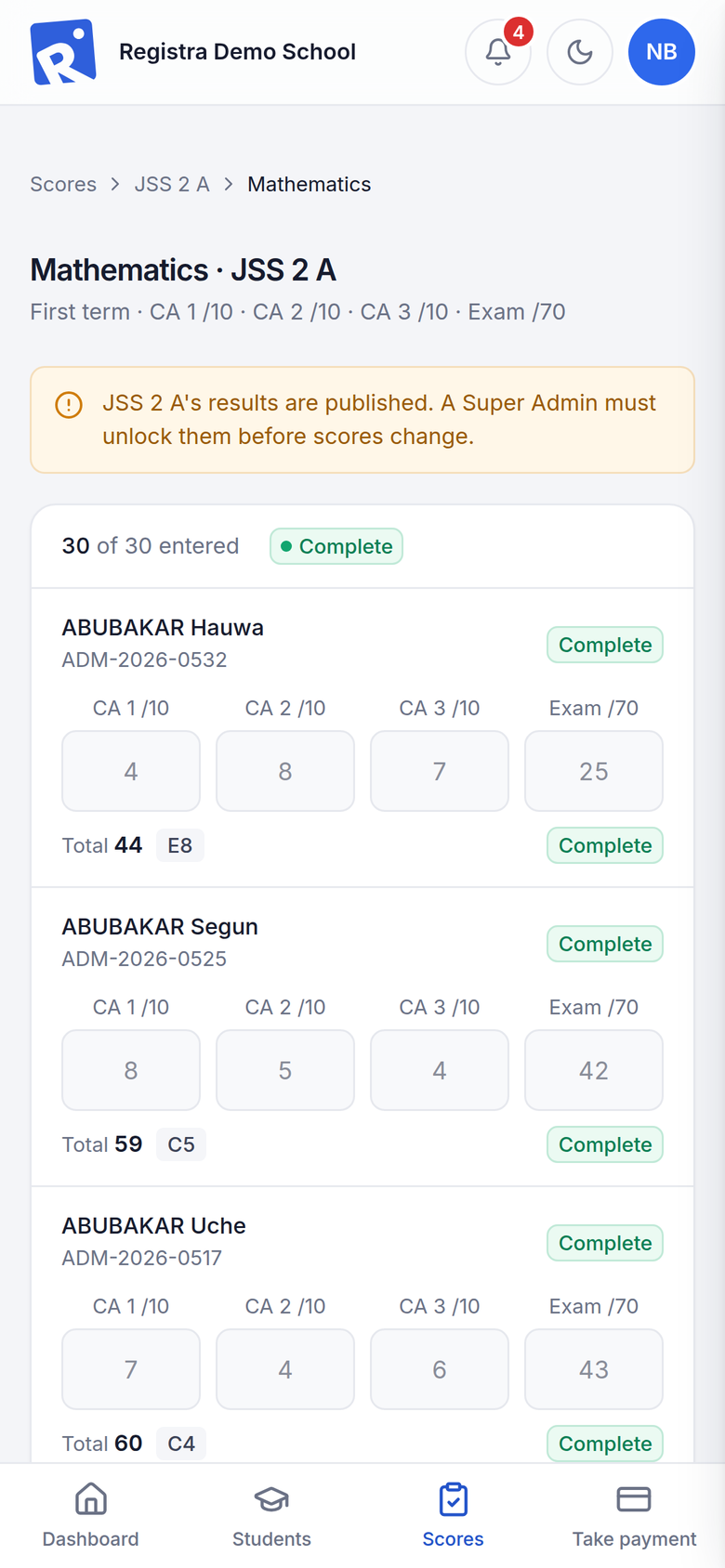
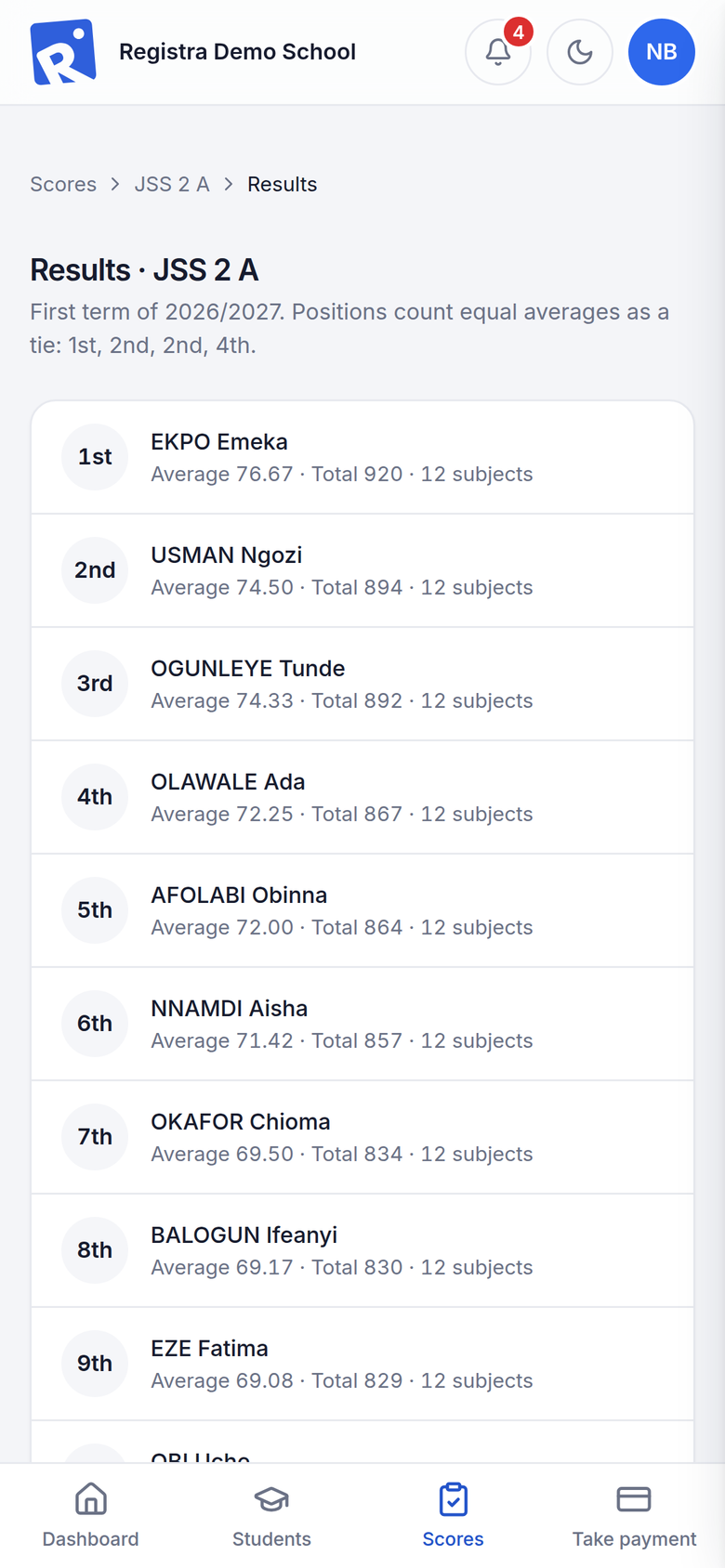
Score sheets save as you type. Positions, grades and remarks are worked out for you, and report cards, broadsheets and transcripts print in one click.

For nursery, primary and secondary schools
Registra keeps admissions, results, report cards, fees and parent SMS on a computer at your school. When the connection returns, it updates your school’s own website by itself.
The problem
Most school systems live online. When the connection drops or the data runs out, the office stops: no scores, no receipts, no answers for parents.
Teachers retype scores, positions are worked out by hand, and report cards take days to print.
Receipts, discounts and part payments sit in different books, so nobody is sure who still owes what.
Results, reminders and news reach families late, if they reach them at all.
Registra runs on your school’s own computer and network. Staff keep working through an outage, and anything that needs the internet waits and goes out by itself when the connection returns.
Features
From the first admission to the final transcript, every part of the school year works together.
Score sheets save as you type. Positions, grades and remarks are worked out for you, and report cards, broadsheets and transcripts print in one click.
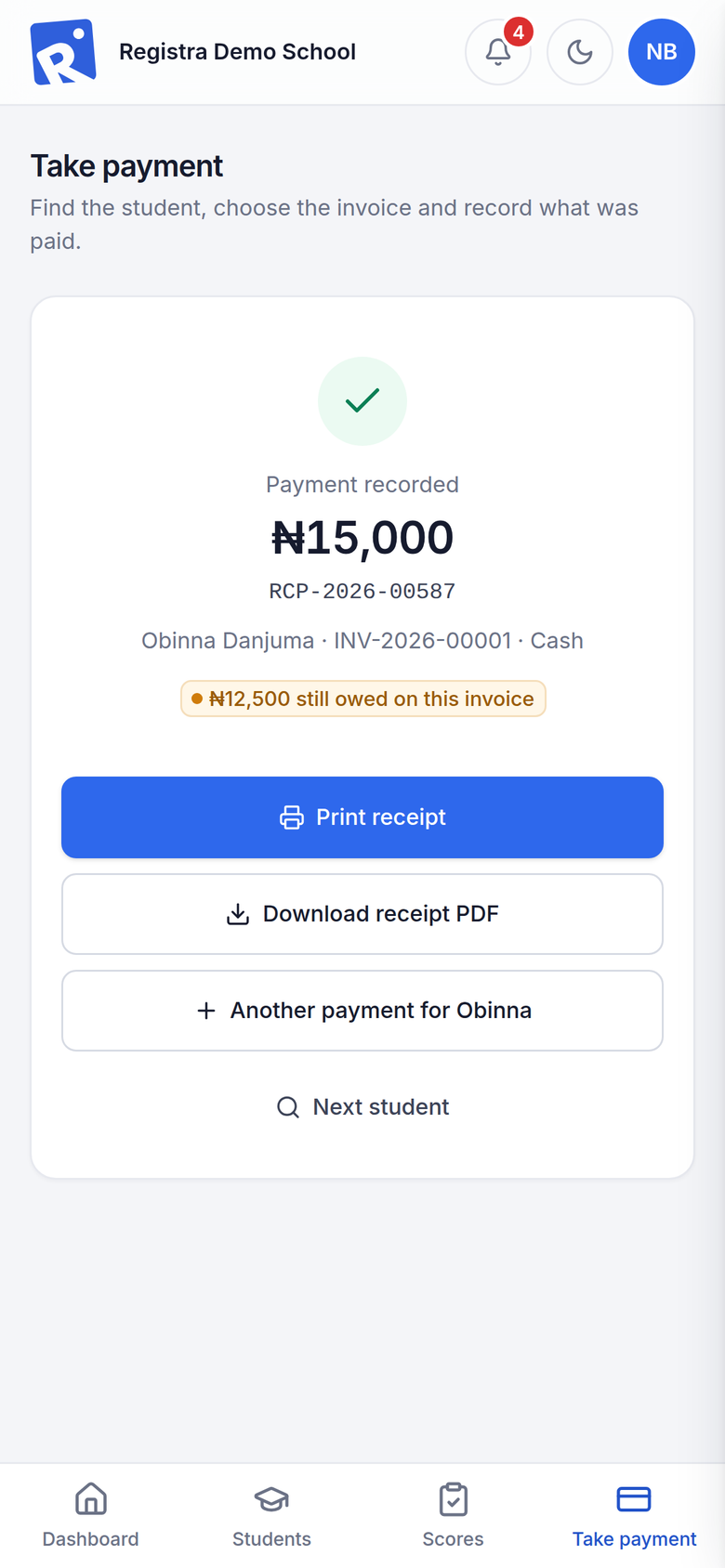
Invoices, receipts, discounts and voids, each with a reason. Debtors, balances and the cashier’s statement are always up to date.
Send through Termii or Africa’s Talking, with a switch for each kind of message. Messages wait out an outage and are never sent twice.
A public site in your school’s colours, with online admissions, news, a gallery and a Result Portal, kept in step with the school server.
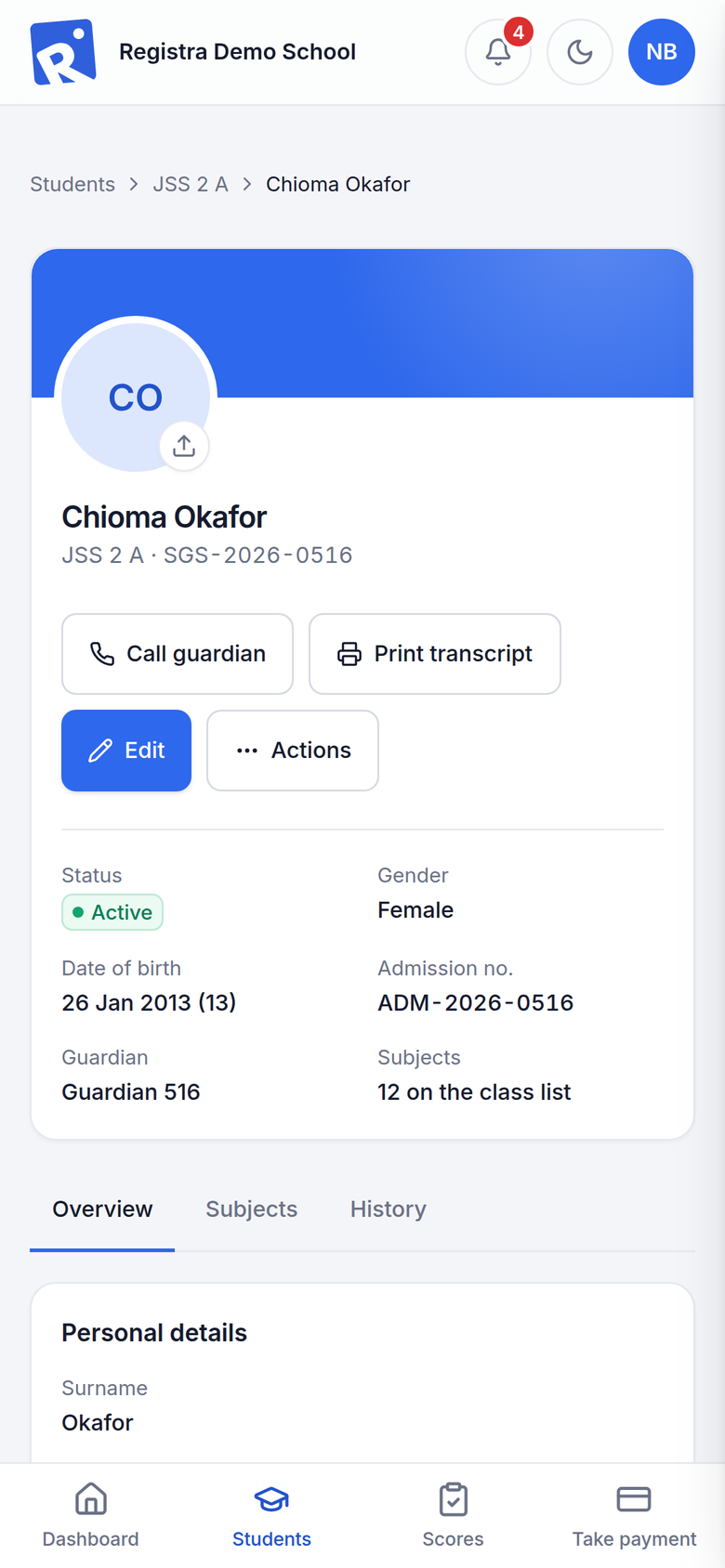
Student and admission numbers, guardians, photos and subject choices. Spreadsheet import with checks, and end-of-year promotion you can reverse.
Why schools choose Registra
Every figure below was measured or built into Registra v1.0.0.
Offline
Staff enter scores, take payments and print receipts at school with no internet at all.
1.5 s
or less to load staff pages on a phone, tested on a made-up school of 875 students.
4 roles
Super Admin, Admin, Cashier and Result Officer, each with only the access they need.
1 click
to print report cards, broadsheets and full transcripts, or save them as PDF.
How it works
One system, two places: the school server holds your records, and your website shows what the public should see.
School server
On your school’s network · works offline
News, gallery and published results
Admission applications and messages
Signed requests, only when there’s a connection
Your school’s website
Online for parents and the public
Screenshots
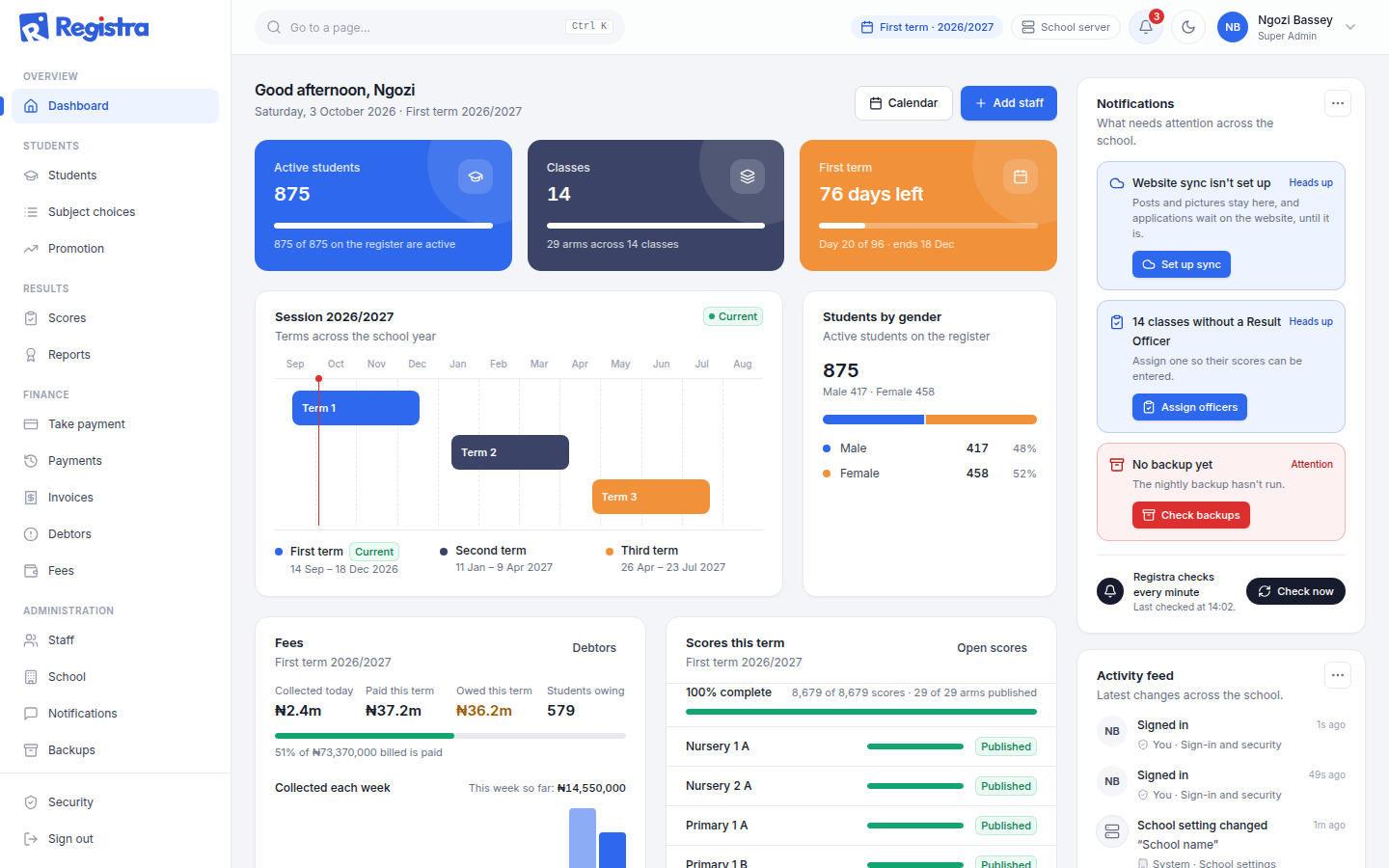
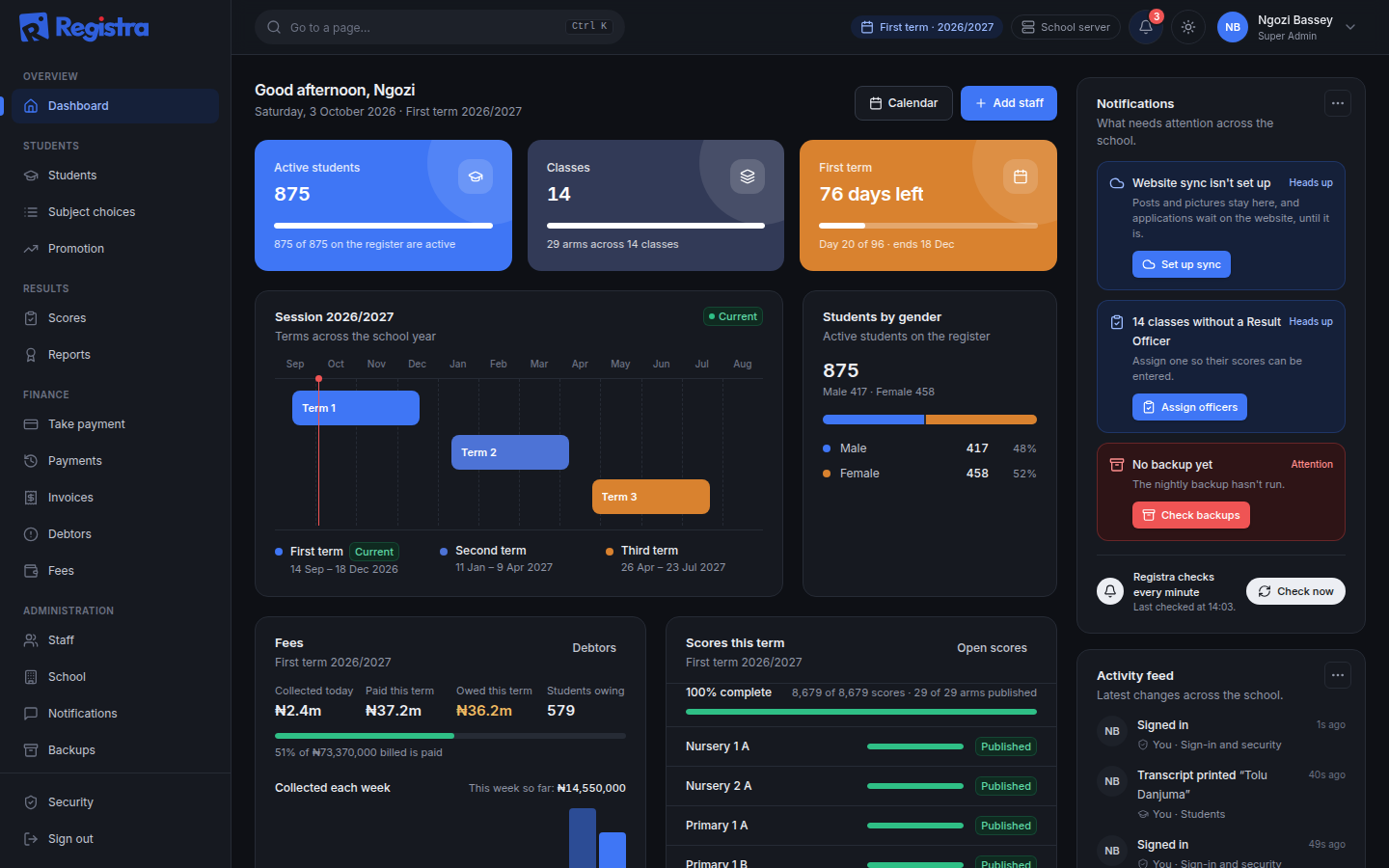
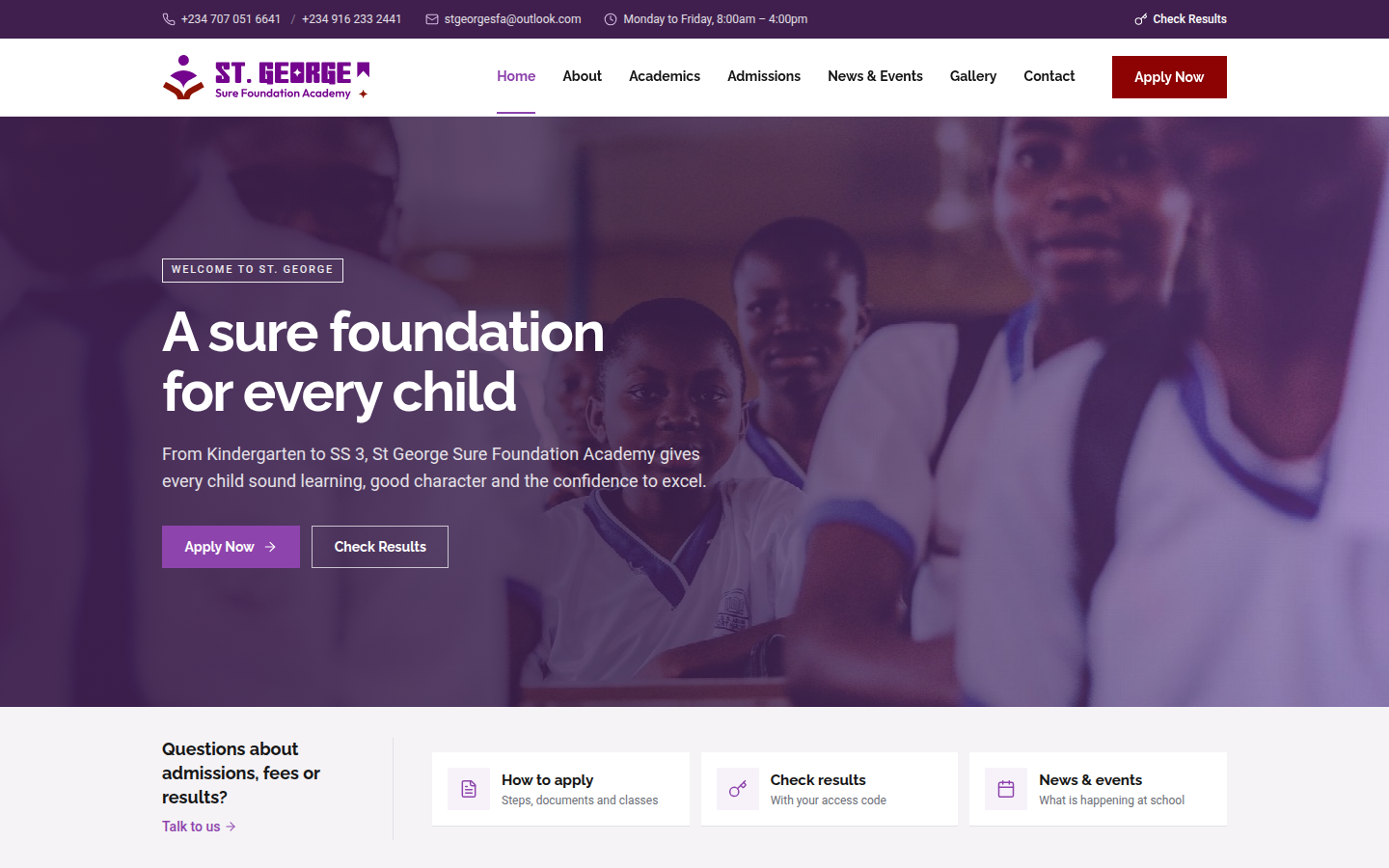
Every screenshot uses made-up demo data. No real student, staff member or fee appears on this site.
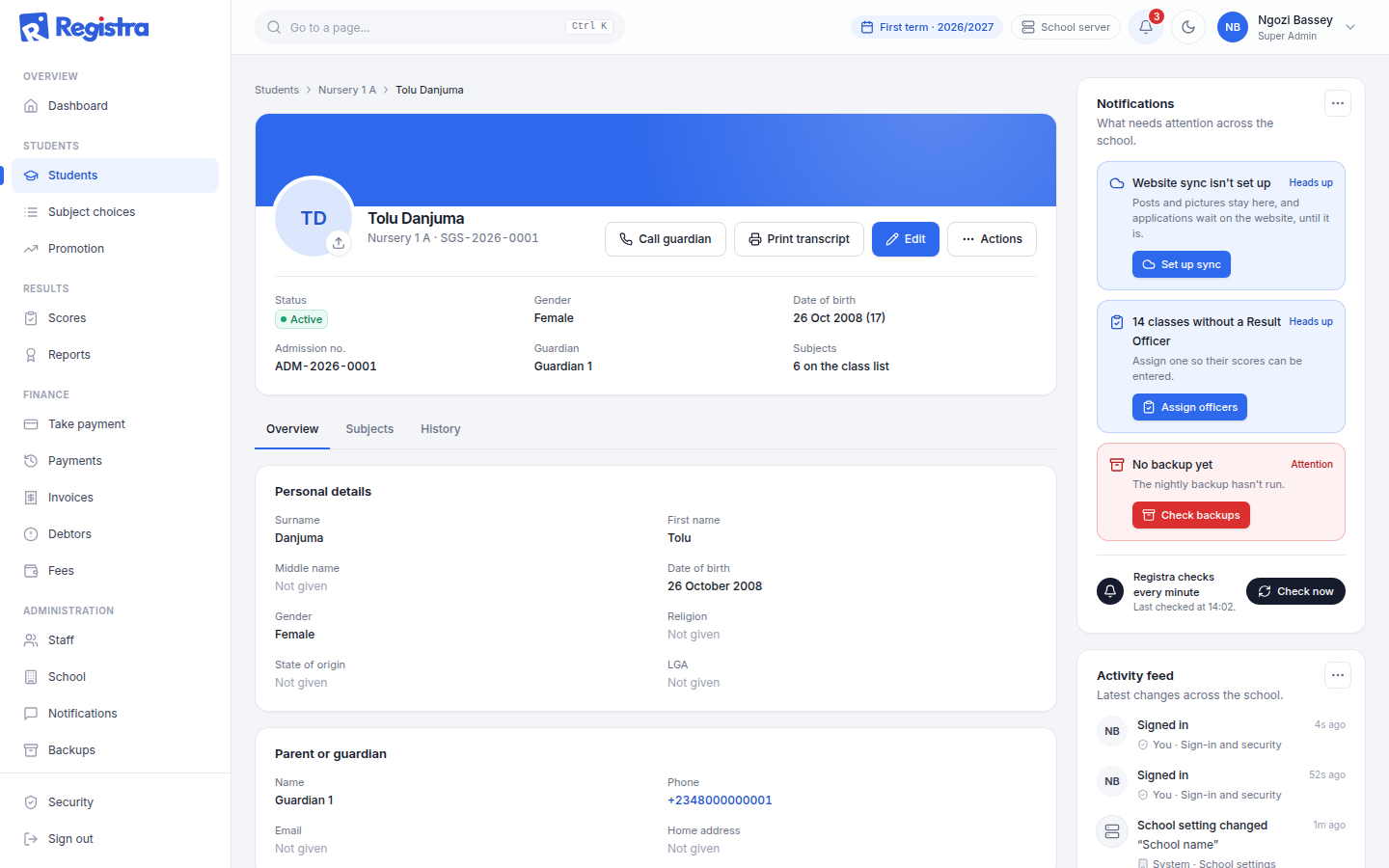
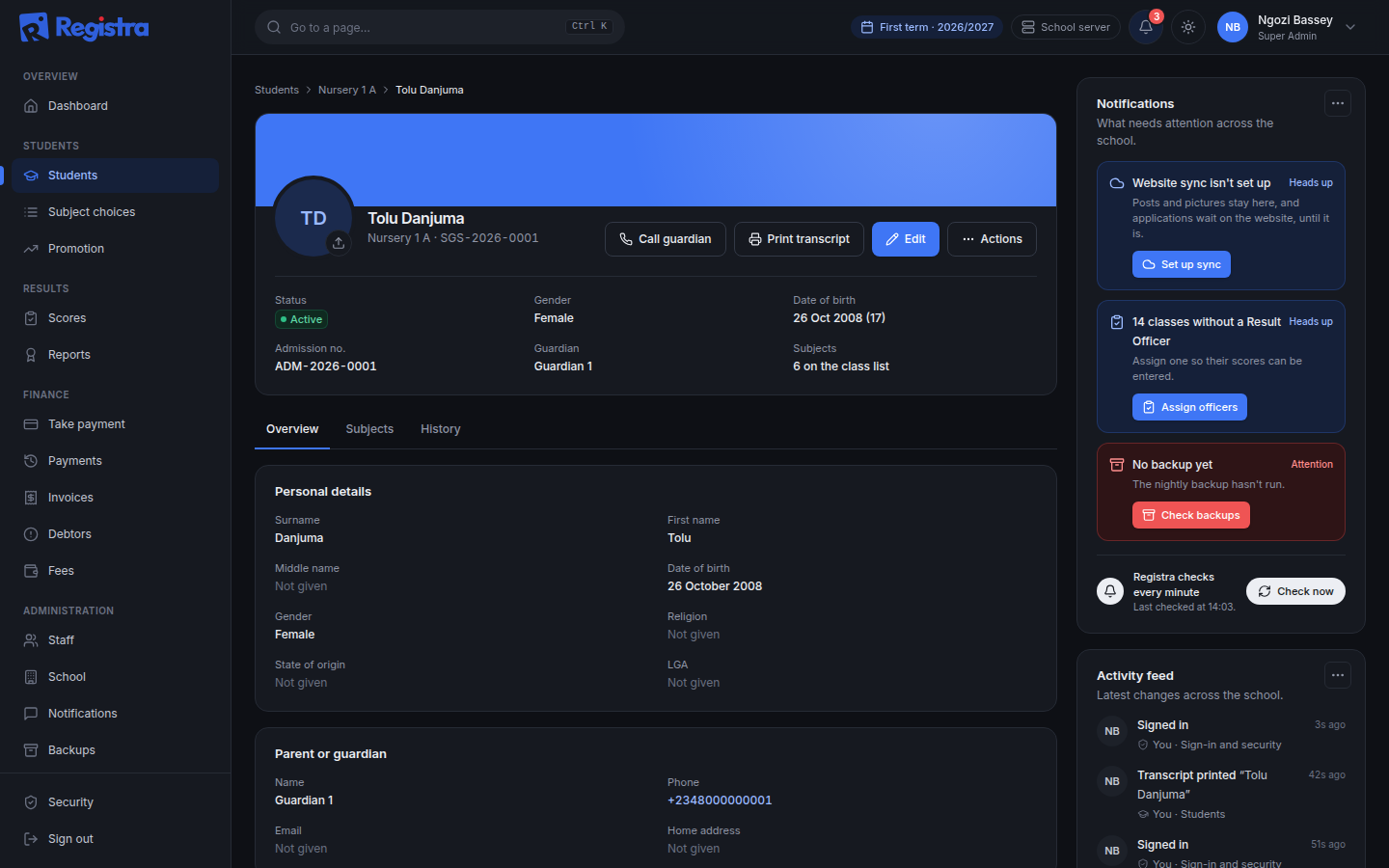
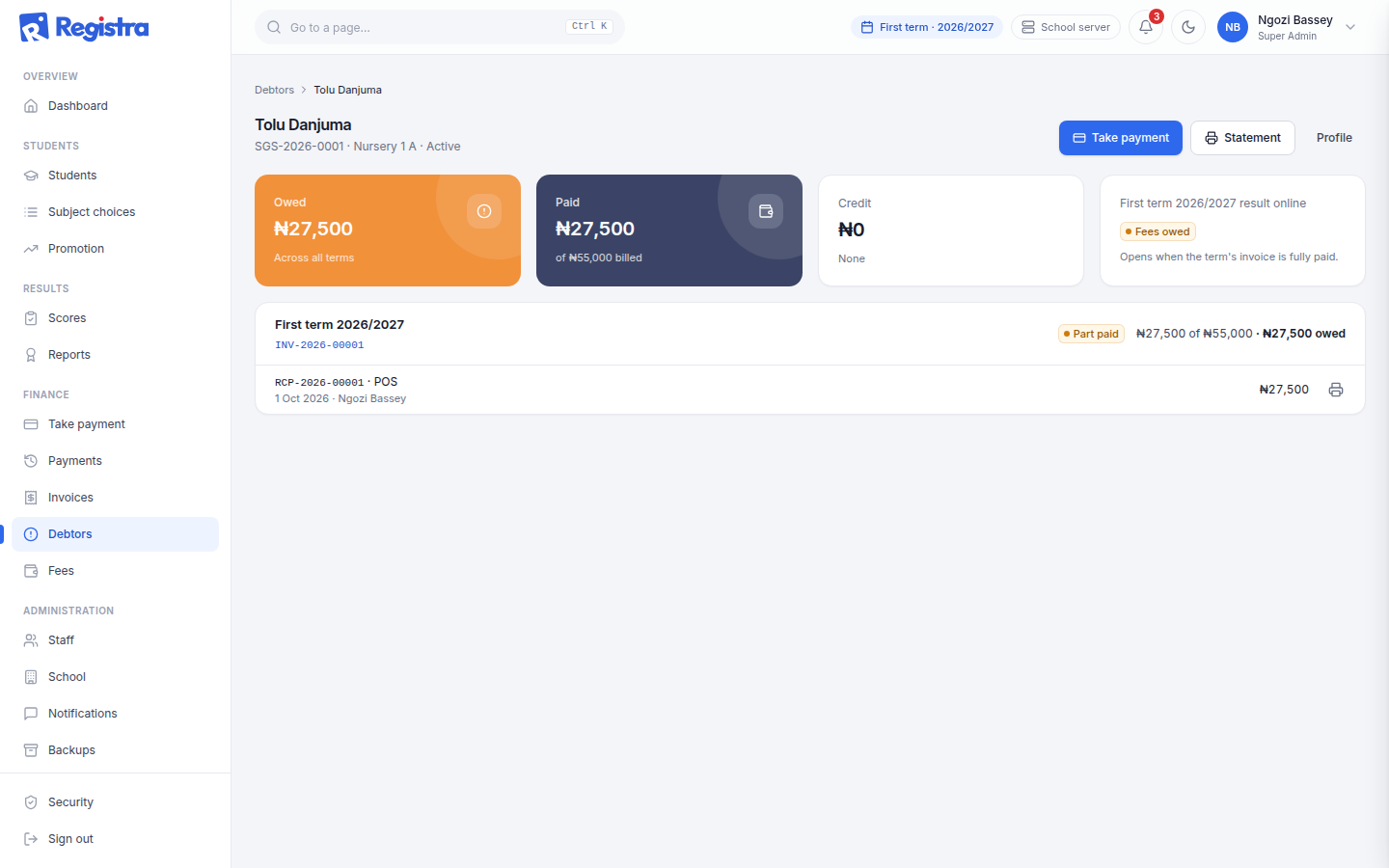
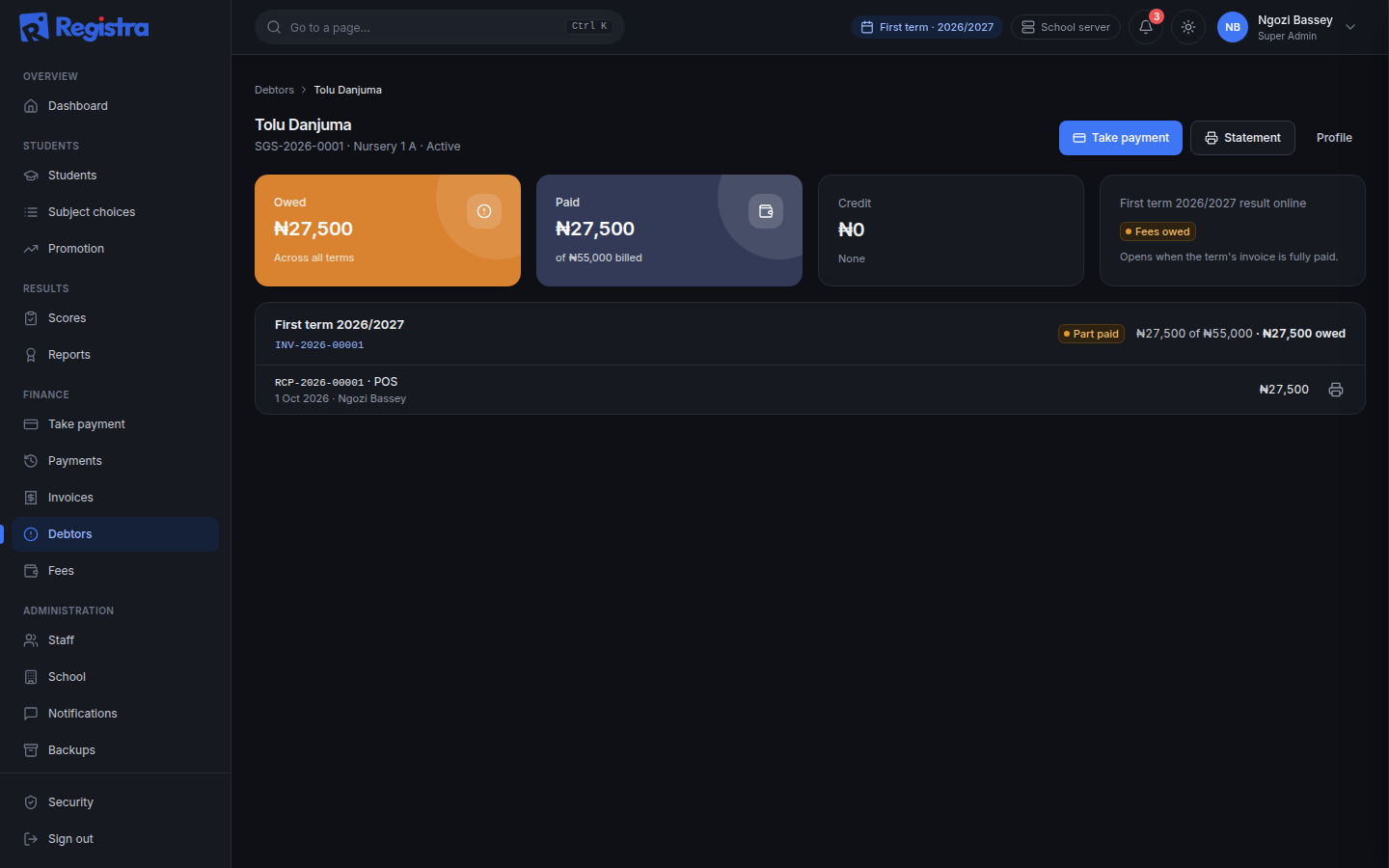
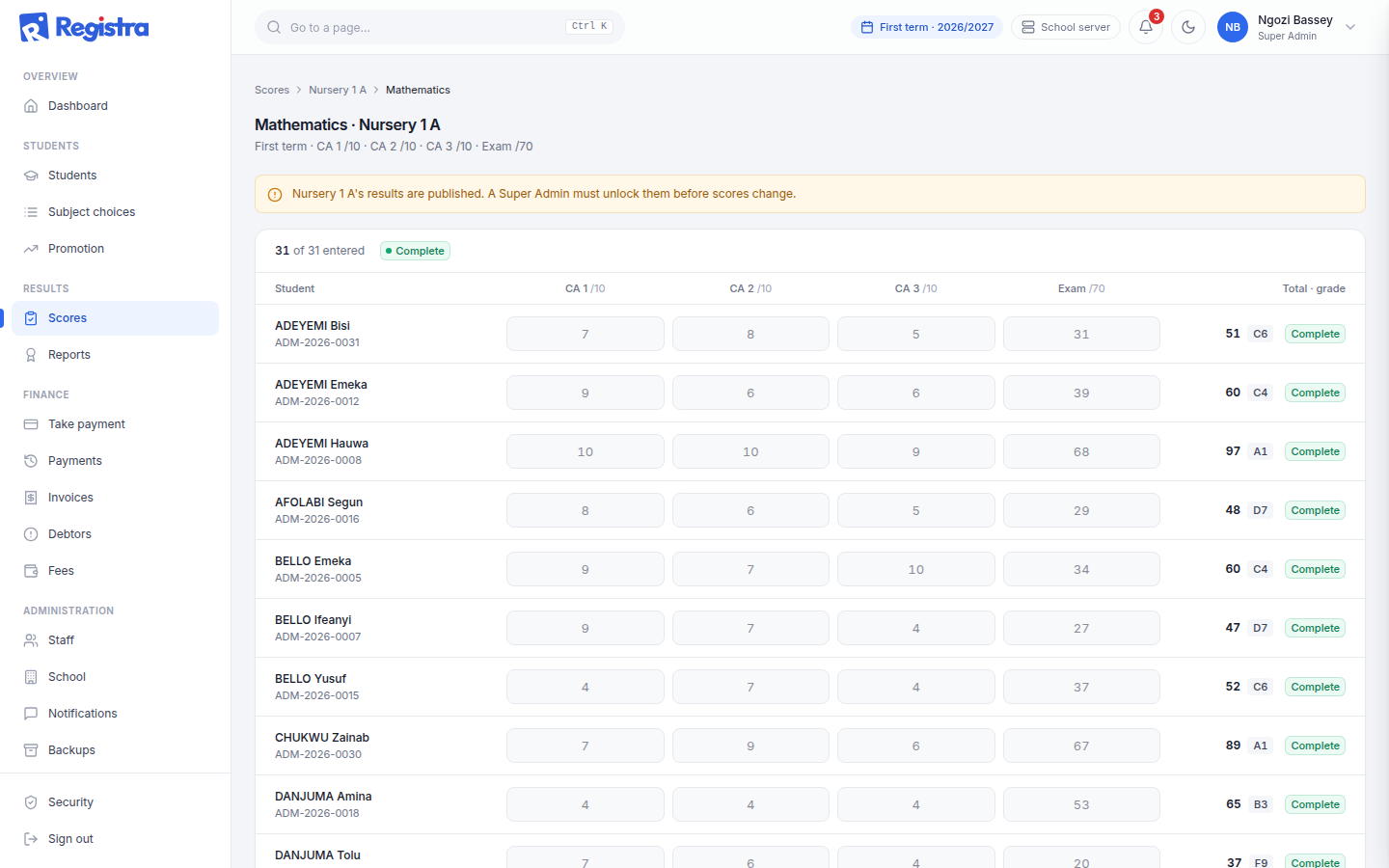
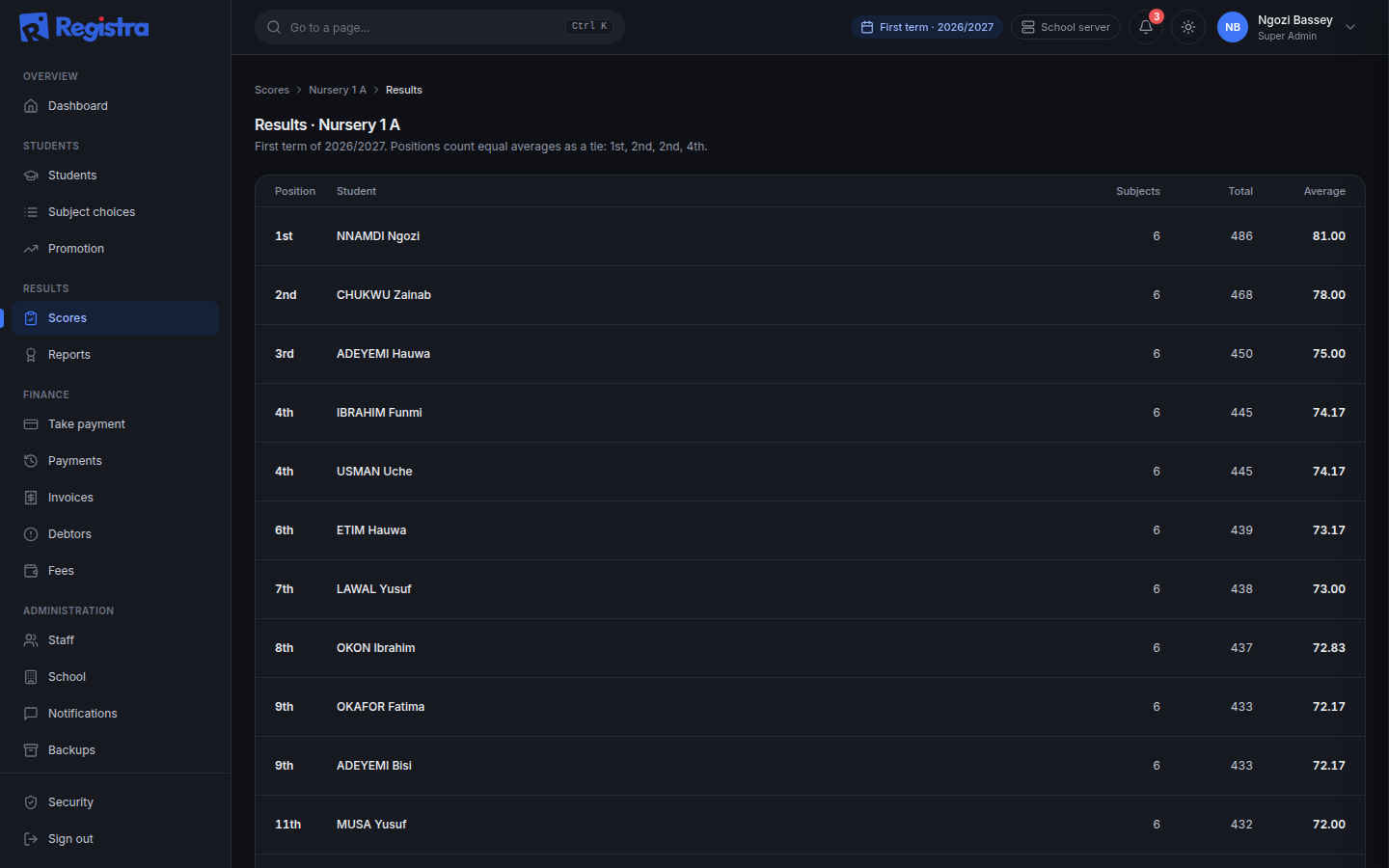
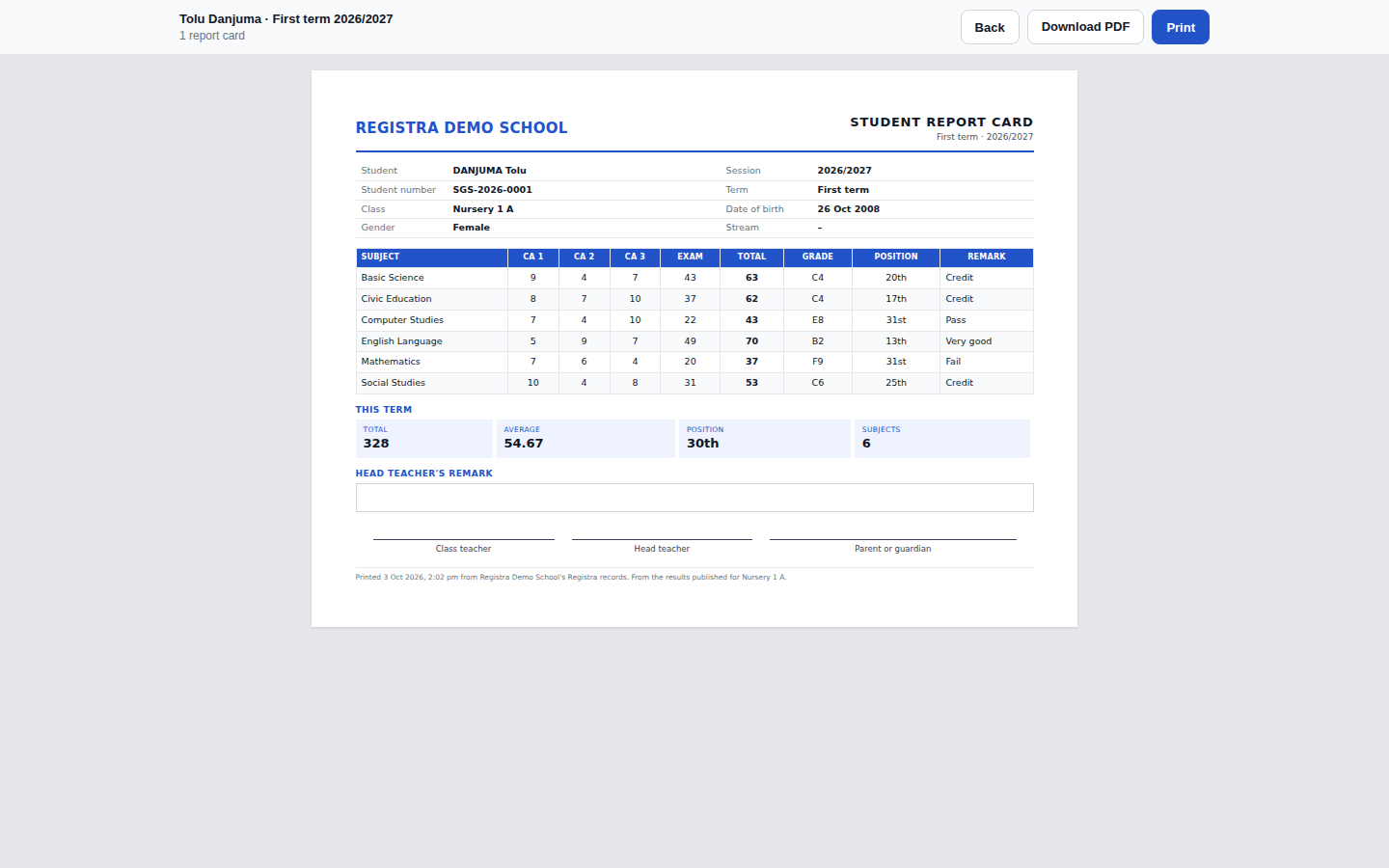
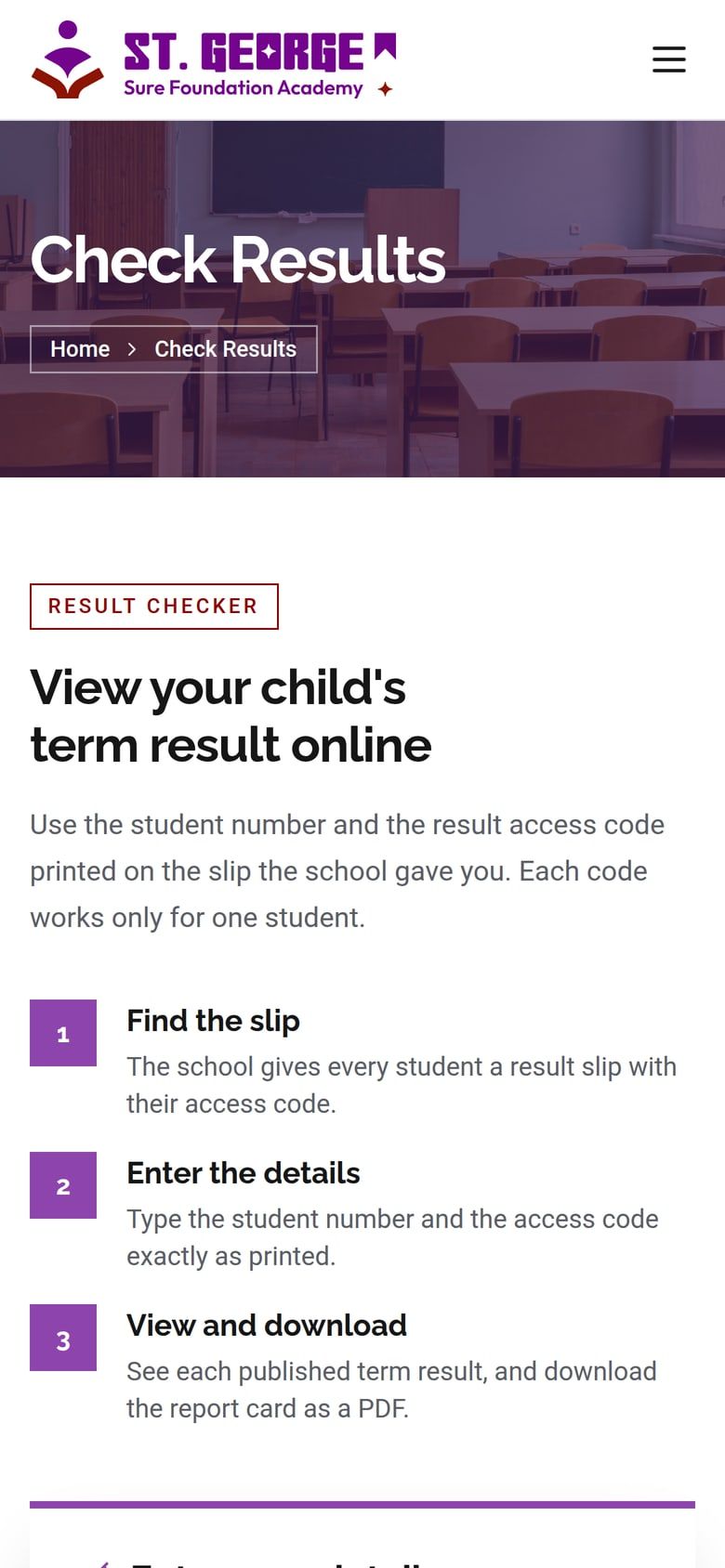
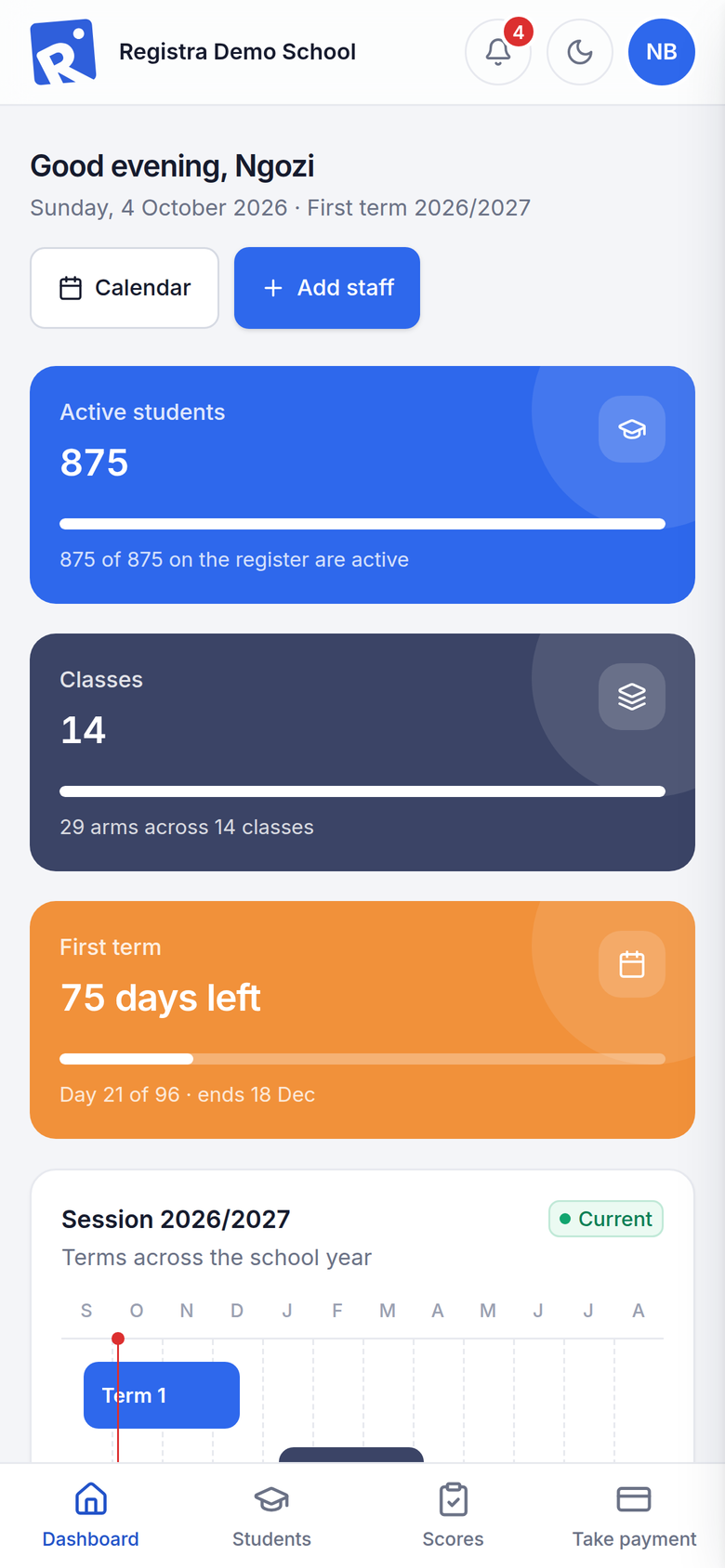
Every page of the staff app works on a phone, so teachers can enter scores from the classroom over the school’s Wi-Fi. Your school’s website works on any phone, so parents can apply and check results wherever they are.

“Registra has made result time calmer for our teachers and given our bursary one clear record of every payment. Parents now check results on our own website.”
Pricing
Every plan runs on your school’s own server. Pick the one that fits your school.
Everything the school office needs, on your own server.
₦400per student / term
Minimum ₦50,000 per term
Most popular
Your school online, kept in step with the school server.
₦600per student / term
Minimum ₦75,000 per term
Everything in Essentials, plus:
For 800+ students or multiple branches.
Custom pricing
A capped fee agreed with your school
Yes. The staff app runs on a computer at your school, and staff reach it over the school’s own network. Scores, payments, receipts and reports all work offline. SMS, emails and website updates wait for the connection and then go out by themselves, in order and never twice.
A Windows computer that stays on during school hours, running Windows 10/11 Pro or Windows Server 2019 or later. Registra installs as Windows services, so it starts by itself when the computer is switched on.
Yes, every page works on a phone, in light or dark mode. Staff need to be on the school’s network to reach the school server.
On your school’s website, through the Result Portal. They enter the student number and access code to see published results and download the report card. If a term’s fees aren’t paid, that term’s result can be held back.
Yes. Students can be imported from a spreadsheet, and Registra checks every row before anything is saved, giving you a file of the rows to fix. Scores can be imported from Excel.
Your records stay on your school’s own server. Every account uses two-step sign-in, each role sees only its own work, and every change is logged. Backups are encrypted every night and before every update, with an encrypted copy kept off-site.
Termii and Africa’s Talking. You’ll need an account and a sender ID with one of them. Each kind of message, such as fee reminders, can be switched on or off.
Not yet. Parents check results through the Result Portal on your school’s website, and receive SMS and email updates.
Request a demo
Tell us a little about your school and we’ll arrange a demonstration and a quote.
We’ve received your request and will contact you soon to arrange your demo.